MCP Explained Like You're 5 — Claude Code's New Superpower (2026)
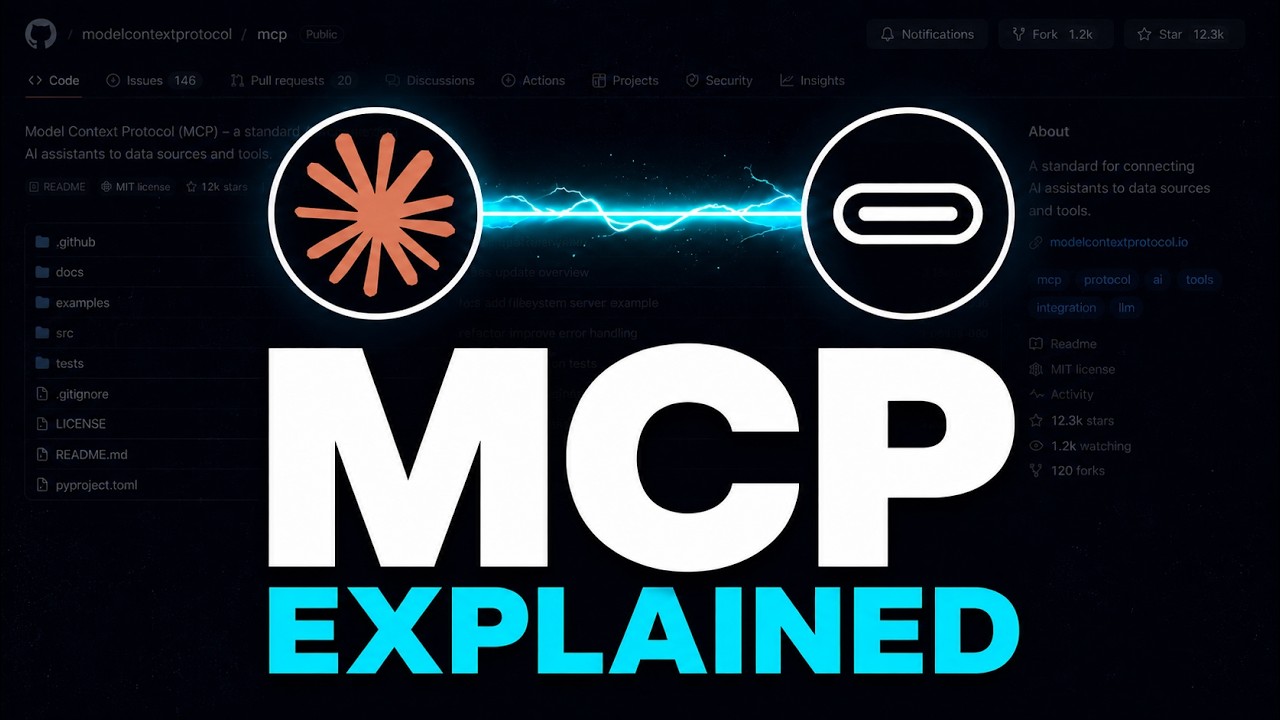
Every Claude Code video mentions MCP. Almost nobody explains what it actually is.
In 3 minutes — the real answer.
The Problem Before MCP
You want Claude Code to read your GitHub repos. So someone builds a special integration.
Then you want it to query your database. Someone builds another one.
Then your Notion notes. Your Slack messages. Your local files. Each one — a different integration. Built from scratch. Maintained separately. Breaking every time something updates.
This is how AI worked until late 2025. Every tool, every app, every data source needed its own custom AI bridge. The result? Most useful tools never got connected at all.
The Solution: MCP = USB-C for AI
MCP — the Model Context Protocol — fixed this.
Think of it like USB-C for AI.
Before USB-C, every device had its own cable. Phone, laptop, headphones, camera — all different. Then USB-C arrived. One port. Any device. Plug anything into anything.
MCP does the exact same thing for AI:
- One protocol. Any tool. Any data source.
- Any AI that speaks MCP can talk to any service that speaks MCP.
- GitHub. Postgres. Notion. Your file system. The list grows every week.
And the magic: nobody has to build a custom bridge. The protocol IS the bridge.
The 3 Pieces of MCP
MCP has three pieces. That's it.
1. The Client
That's the AI doing the work.
- Claude Code is an MCP client
- Cursor is an MCP client
- Claude Desktop is an MCP client
2. The Server
That's the thing the AI talks to.
- GitHub has an MCP server
- Postgres has one
- Notion has one
- Anyone can build one in an afternoon
3. The Protocol
That's the shared language. What the client says, what the server replies.
- Defined once, by Anthropic
- Open source
- Free for anyone to implement
Three pieces. That's it.
Real Example — Claude Code + GitHub MCP
Concrete example. Claude Code, plus the GitHub MCP server.
You install it once. Now Claude Code can:
- Read your repos
- Open pull requests
- Search issues
- Comment on code
All through one MCP connection. No custom code from you. No special API client. Just MCP.
Why This Changes Everything
Before MCP, AI integrations were custom. Slow. Brittle.
Now they're a standard.
Every week, dozens of new MCP servers go live — database tools, design tools, cloud platforms, note-taking apps. Each one is instantly accessible to every MCP-capable AI.
Your Claude Code keeps getting more powerful — without Anthropic doing anything. That's the real magic. It's an open ecosystem.
Where to Go Next
- 📺 Full 3-minute video tutorial: Watch on YouTube
- 🔧 GitHub MCP Setup walkthrough: Step-by-step setup
- 🛠️ Build Your Own MCP Server: Tutorial
- 🧩 Claude Code's 3 Customization Pillars (Skills vs Hooks vs CLAUDE.md): Watch
Final Word
MCP is to AI what USB-C is to hardware. One protocol, infinite tools.
Your Claude Code already speaks MCP. All you have to do is plug in a server — and you've extended what Claude can do for you.
Subscribe to AyyazTech on YouTube — I cover every AI coding tool worth your time so you don't waste yours.
Get new tutorials by email
AI coding tools and setups, when a new article is out. No spam, unsubscribe anytime.