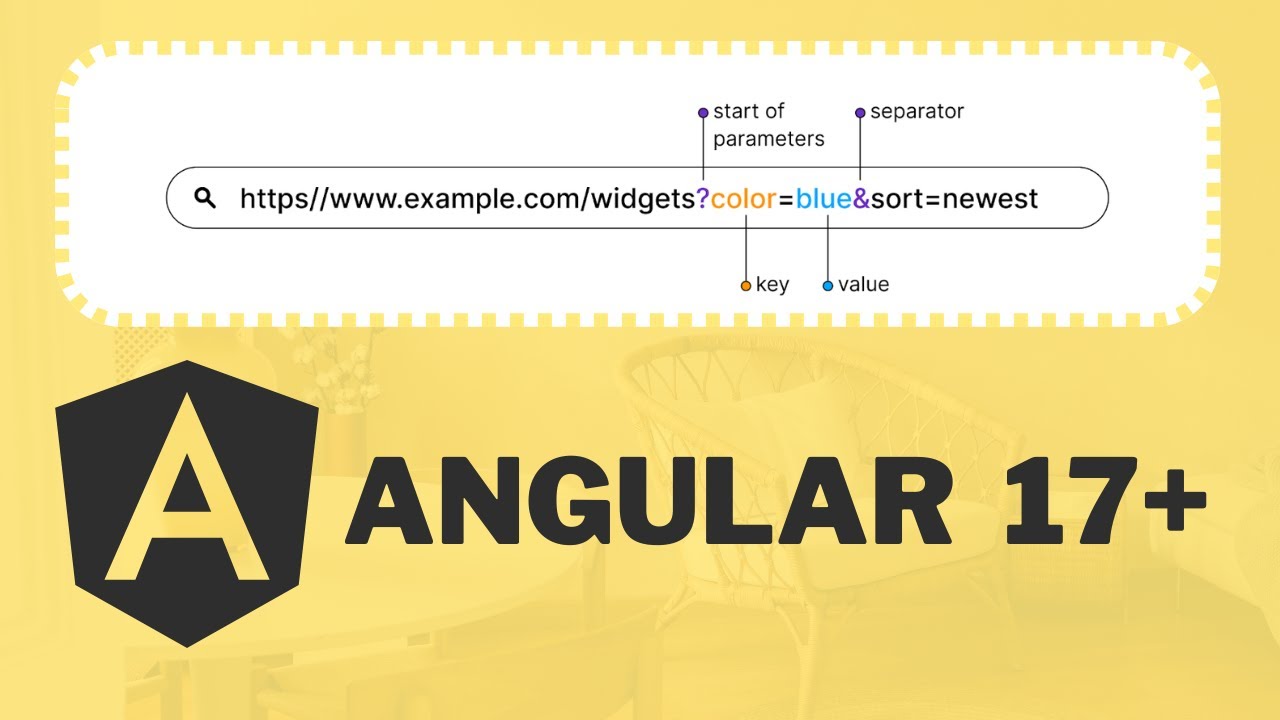
How to Remove Query Parameters from URL in Angular 18
Managing URLs effectively is crucial in modern web applications, and Angular provides multiple approaches to remove query parameters. In this tutorial, we'll explore three robust methods to clean up your URLs in Angular 18.
Understanding Query Parameter Removal
Query parameters can clutter your URLs and sometimes contain sensitive or temporary information. Angular offers flexible solutions to handle this scenario efficiently.
Methods Covered in This Tutorial:
- Using Angular's Router
- Utilizing ActivatedRoute
- Leveraging Location Service
Key Takeaways
By the end of this tutorial, you'll understand how to:
- Remove all query parameters
- Remove specific query parameters
- Clean URLs programmatically
Watch the full video tutorial here: Angular 18 Query Parameter Removal Techniques
Don't forget to subscribe to our channel for more Angular tutorials and tips! We consistently provide in-depth, practical coding solutions for developers of all levels.