3 Claude Code Skills Every Developer Should Install Today (2026)
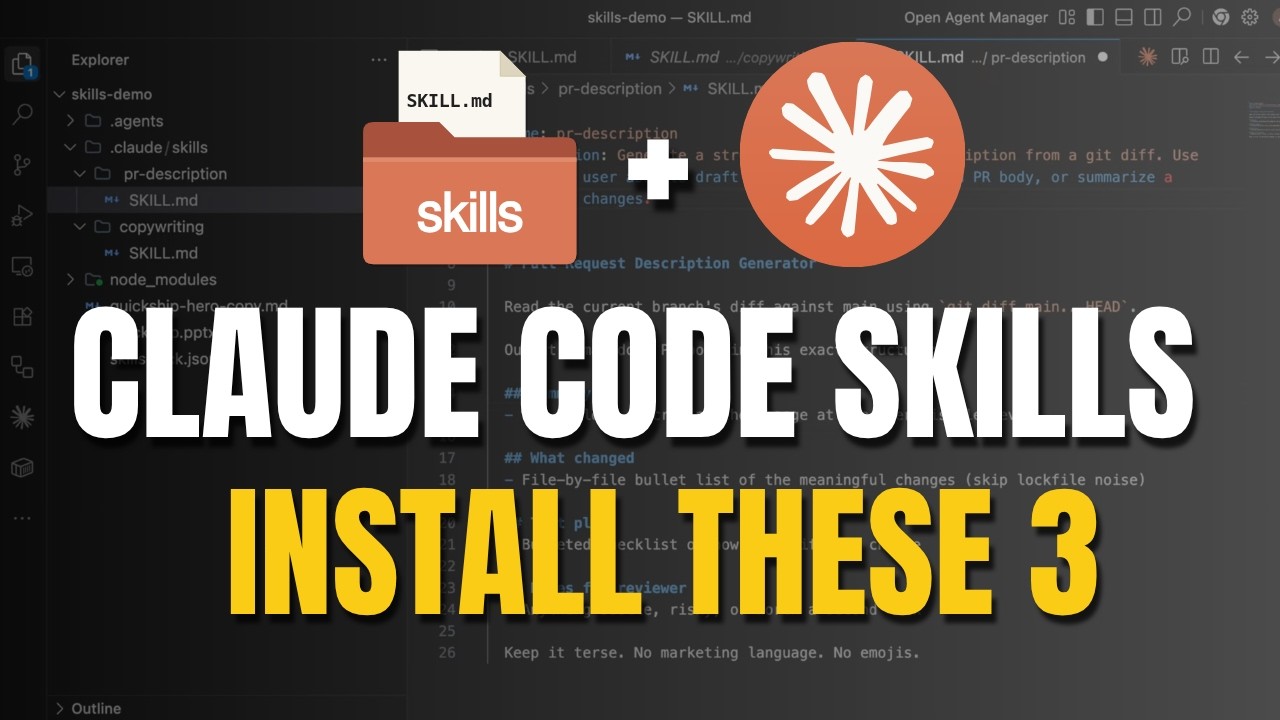
I cancelled three paid AI subscriptions this month and replaced them with three free Claude Code skills. Total saved: about $120/month.
In the next 5 minutes I'll show you exactly which skills, what they replace, and how to set each one up.
What Is a Claude Code Skill?
A Claude Code skill is just a folder with one Markdown file inside, called SKILL.md.
- Anthropic publishes official skills as plugins
- The community has 650+ open-source skills you can drop in today
- You can build your own in 5 minutes
Once a skill lives in ~/.claude/skills/, Claude loads it automatically and uses it whenever the task matches.
Three install paths
/plugin marketplace add— for official Anthropic packagesnpx skills add <repo>— for community GitHub reposgit clone— for anything
Skill 1: Anthropic's document-skills bundle (replaces ~$42/month)
The official Anthropic document-skills bundle covers PowerPoint, Excel, Word, and PDF. Two commands and you have it forever:
/plugin marketplace add anthropics/skills
/plugin install document-skills@anthropic-agent-skills
What it replaces:
- Microsoft 365 Copilot — $30/month
- Beautiful.ai — $12/month
- Total saved: $42/month
Demo prompt
Create a 3-slide pitch deck for a SaaS product called Quickship.
Include a title slide, a problem-solution slide with a 2-column layout,
and a pricing slide with three tiers. Save as quickship.pptx.
Claude Code uses the PowerPoint skill, builds the deck, and saves a real .pptx file. Same job M365 Copilot used to do — now free.
Skill 2: OpenClaudia marketing skills (replaces ~$49/month)
A free open-source repo called OpenClaudia ships 63 marketing skills — SEO, blog posts, email copy, ad copy. Install with one command:
npx skills add github.com/OpenClaudia/openclaudia-skillsWhat it replaces: Jasper at $49/month for the use cases I actually need it for.
Demo prompt
Write marketing copy for the Quickship landing page hero section.
60 words, bold value prop, end with a strong CTA.
The copywriting skill auto-triggers on phrases like "marketing copy", "page copy", "CTA", "headline". You get hero copy, 5 ranked headline alternatives, a CTA variations table, tone analysis, and conversion improvement notes — from one prompt.
Skill 3: Build your own (replaces ~$22/month)
The skill most people miss — building your own. Five minutes, one Markdown file, and you have a custom skill that runs forever.
Here's my most-used custom skill, a pull request description generator. I used to draft these in Notion AI ($10/mo) and clean them up in Grammarly ($12/mo) — replaced with this:
---
name: pr-description
description: Generate a structured pull request description from a git diff. Use when the user asks to draft a PR description, write a PR body, or summarize a branch's changes.
---

# Pull Request Description Generator

Read the current branch's diff against main using `git diff main...HEAD`.

Output a markdown PR body in this exact structure:

## Summary
- 1-3 bullets describing the change at the user-visible level

## What changed
- File-by-file bullet list of the meaningful changes (skip lockfile noise)

## Test plan
- Bulleted checklist of how to verify the change

## Notes for reviewer
- Anything subtle, risky, or worth a second look

Keep it terse. No marketing language. No emojis.
Save the file at ~/.claude/skills/pr-description/SKILL.md. Trigger it with:
Draft a PR description for my current branch.Claude Code automatically picks up the new skill, runs git diff, and produces a structured PR body. No subscription. No vendor. Yours.
The Total Savings
| Skill | Replaces | Saved |
|---|---|---|
| Anthropic document-skills | M365 Copilot + Beautiful.ai | $42/mo |
| OpenClaudia marketing | Jasper | $49/mo |
| Custom PR description | Notion AI + Grammarly | $22/mo |
| Total | ~$113-120/mo |
Resources
- 📺 Full tutorial: Watch on YouTube
- 📖 Official Claude Code skills docs: code.claude.com/docs/en/skills
- 🐙 Anthropic skills GitHub: github.com/anthropics/skills
- 🌐 OpenClaudia marketing skills: github.com/OpenClaudia/openclaudia-skills
- 🛒 Skills marketplace: claudeskills.info
Related videos on AyyazTech
- This One File Made Claude Code 10x Smarter (CLAUDE.md Tutorial)
- Build Real Apps in 1 Prompt — Claude Code Vibe Coding Tutorial
- MCP Explained Like You're 5
Final Word
Three skills. About $120/month back in your pocket. The full SKILL.md template is above — copy it, drop it in ~/.claude/skills/, and trigger it with a single prompt.
Subscribe to AyyazTech on YouTube — I cover every AI coding tool worth your time so you don't waste yours.
Get new tutorials by email
AI coding tools and setups, when a new article is out. No spam, unsubscribe anytime.