Vibe Coding with Claude Code — Build Real Apps Without Writing Code (2026 Tutorial)
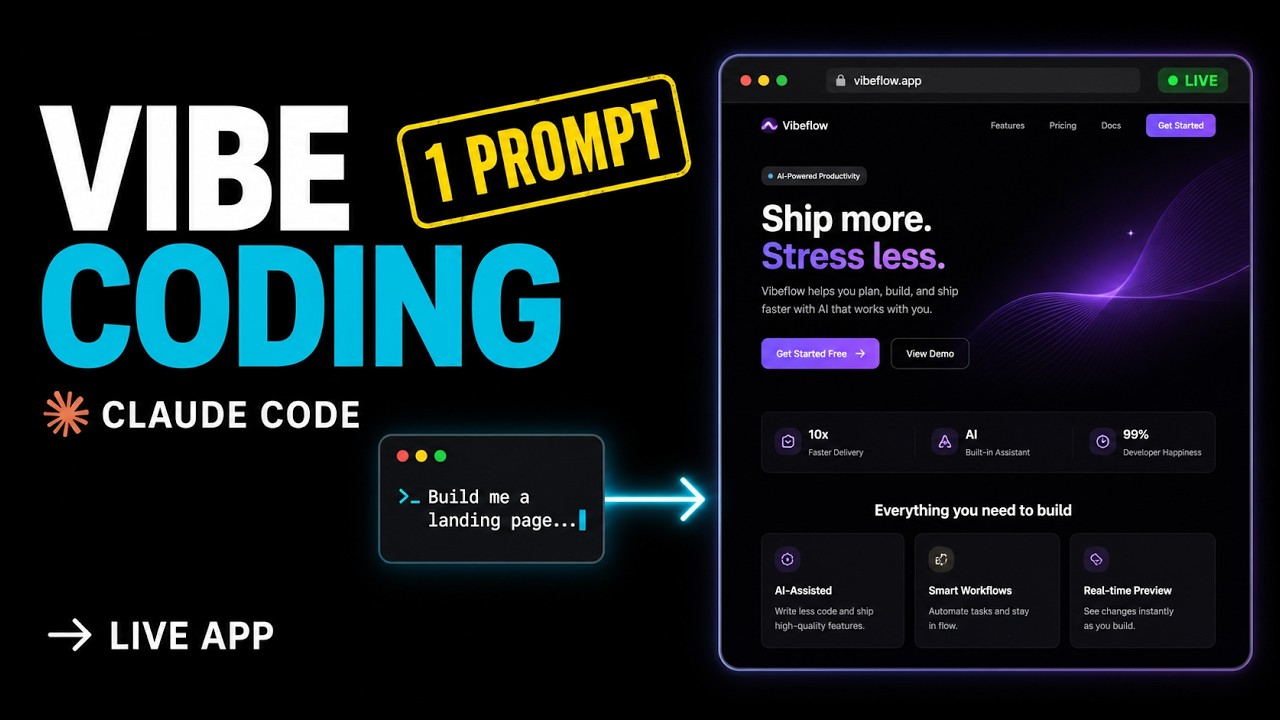
I just built a real, working landing page without writing a single line of code. No syntax. No file structure. I just told Claude Code what I wanted — and it built itself.
This is vibe coding — and in the next 6 minutes I'll show you exactly how it works, when it breaks, and why every developer needs to learn it right now.
What Is Vibe Coding?
Vibe coding was coined by Andrej Karpathy in early 2025. The idea:
Instead of typing syntax, you describe what you want in natural language — and the AI writes, runs, and debugs the code for you.
You vibe with it. You ride the energy. You don't think about semicolons.
Karpathy just dropped a follow-up talk at Sequoia called From Vibe Coding to Agentic Engineering — that's how we know this isn't a meme anymore. Today every frontier AI tool (Claude Code, Cursor, Codex, Google Antigravity) is built around this idea. And Claude Code is the strongest vibe coding tool right now because it actually executes commands, not just suggests them.
Demo 1 — Build a Landing Page From Scratch
Empty folder. No package.json, no source files, nothing. One prompt:
Build me a landing page for an AI productivity app called FocusFlow.
Use Vite + React + Tailwind CSS. Include a hero section with a headline
and CTA, a 3-column features section, a pricing table with 3 tiers,
and a testimonials section. Modern dark theme with purple accent.
Run it on localhost:3000.
I'm being intentionally vague. I'm not telling Claude Code which files to create or which libraries to install. I'm describing the vibe.
Claude Code chose Vite. Installed Tailwind. Wrote 8 properly-structured files. Decided on a color palette and copy text I never specified — that's the vibe part. Then spun up the dev server.
Total time: 3 minutes 14 seconds. A real, working, styled landing page — generated from one English sentence.
Demo 2 — Iterating Like a Vibe Coder
Here's where vibe coding really shines: iteration. I don't open Tailwind config files. I don't grep through components. I just describe the next vibe in plain English.
Iteration 1 — Animated stats
Add an animated stats counter section between the hero and features.
Show 3 stats: "Apps built this month", "Active users", "Avg time saved per week".
Numbers should count up from 0 when the section enters the viewport.
Iteration 2 — Pricing toggle
Make the pricing table toggle between Monthly and Yearly.
Yearly should show "Save 20%" badge and reduce all prices by 20%.
Iteration 3 — Better testimonials
The testimonials look bland. Add real-looking author avatars (use UI Avatars or DiceBear),
and add a small star rating component (5 stars filled) above each testimonial.
Three prompts. Three new features. Each one is plain English. I'm not pasting Tailwind classes, not naming components, not telling it which files to edit — Claude Code figures all that out.
This is the vibe-coding loop: see the result → describe the next vibe → see the result again. You stay in the creative state, not the syntax state.
The 3 Real Failure Modes
Let me be honest — vibe coding isn't magic. Three real failure modes you'll hit:
1. Hallucinations on edge cases
Claude Code will sometimes import a library that doesn't exist. Fix: keep npm test or tsc --noEmit running and pipe failures back into the prompt.
2. Context drift
After 50+ messages in the same session, Claude can forget your original requirements. Fix: keep a CLAUDE.md in the project root with your rules, so they're always in scope.
3. No engineering judgment
Vibe coding will happily ship a contact form with no validation, no rate limiting, no XSS escaping. Fix: you're still the engineer. Ask Claude to add the security layer explicitly. Don't let the vibe ship your prod code unsupervised.
Vibe-code fast. Then audit slow.
My Vibe Coding Setup
- Claude Code latest, installed with
curl -fsSL https://claude.ai/install.sh | bash. Always native install, never npm. - Claude Code Pro or Max plan. Pro ($20/mo) gets you Sonnet 4.6. Max ($100/mo) gets you Opus 4.7 with 1M context — that's what makes long iteration sessions actually work without drift.
CLAUDE.mdin every project root. Tech stack, conventions, do's and don'ts. Loads automatically. Prevents hallucination.- Frontier-mode prompting. Don't say "add a button." Say "add a button styled like our hero CTA, hooked into the existing
useAuthcontext, that triggers the same toast I'm using on the contact form." Vague prompts vibe better — but specific prompts actually ship.
Resources
- 📺 Full video tutorial: Watch on YouTube
- 🔗 Install Claude Code: claude.ai/install.sh
- 🎤 Andrej Karpathy — From Vibe Coding to Agentic Engineering (Sequoia)
Related videos on AyyazTech
- This One File Made Claude Code 10x Smarter (CLAUDE.md)
- 3 Claude Code Skills Every Developer Should Install Today
- MCP Explained Like You're 5
Final Word
Vibe coding is the new programming for 2026. Claude Code is the strongest tool for it right now. Follow the 4 rules above and you'll ship real products this way.
Subscribe to AyyazTech on YouTube — I cover every AI coding tool worth your time so you don't waste yours.
Get new tutorials by email
AI coding tools and setups, when a new article is out. No spam, unsubscribe anytime.